
- handy
- wispr-flow
- speech-to-text
- dikte
- acik-kaynak
- yapay-zeka
- verimlilik
- lokal-ai
Handy: A Free, Local Alternative to Wispr Flow
Handy is an open-source, fully local dictation tool that rivals Wispr Flow — at zero cost. Here's how it works and how they compare.
Watch on Instagram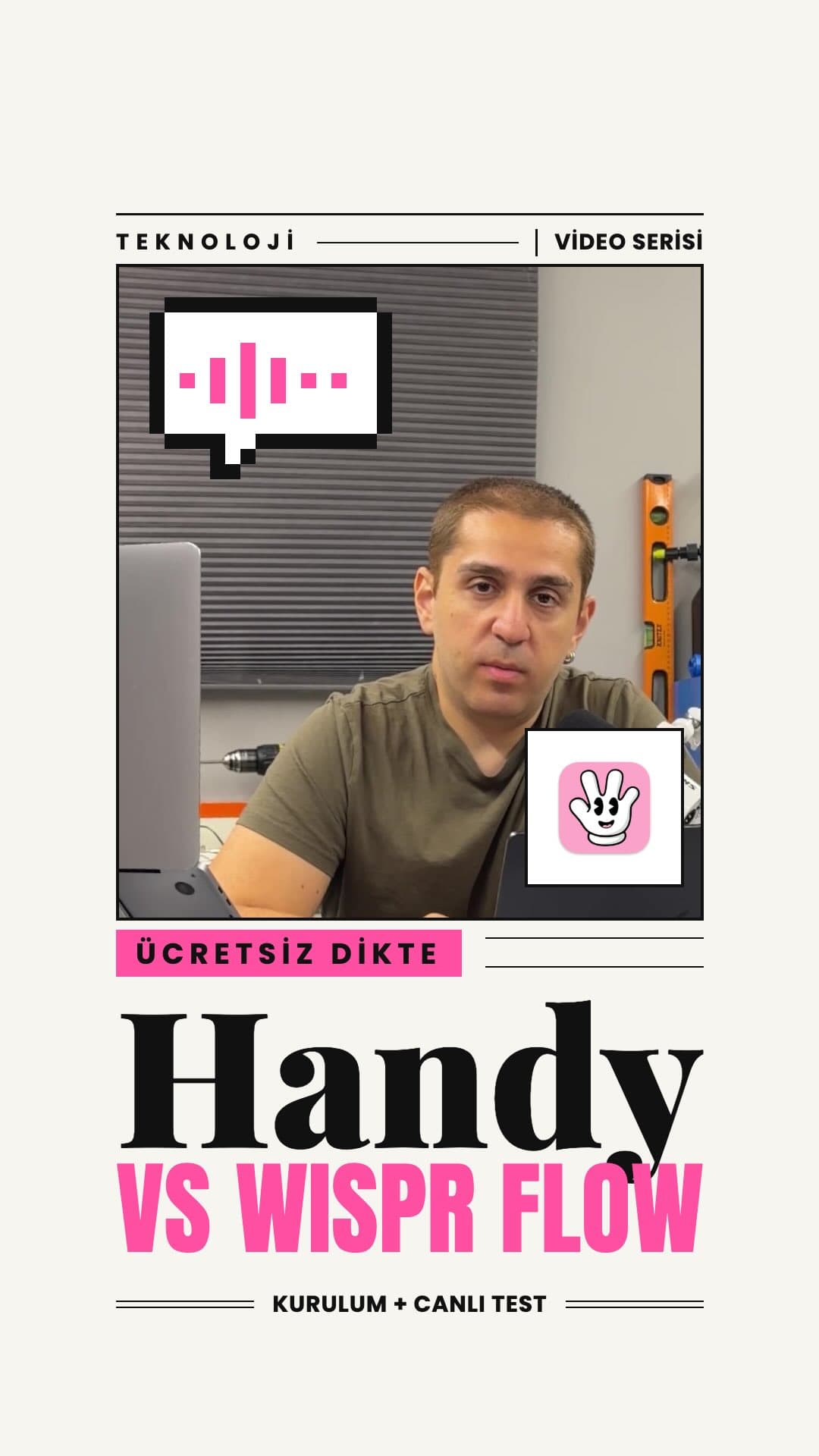
Wispr Flow has become a go-to voice dictation tool for many, but it comes with a subscription fee. Handy offers the same core concept — hold a shortcut, speak, release, and your words appear at the cursor — entirely for free, running locally on your machine. Here's a look at the setup process and how the two tools perform side by side.
What Is Handy?
Handy is an open-source dictation app that transcribes your voice directly on your device. Because everything happens locally, your audio never leaves your computer. The workflow is simple: hold the shortcut key, speak, and release. The transcribed text is pasted wherever your cursor is.
Setup and Model Selection
After downloading Handy, the setup screen walks you through language selection, microphone permissions, and speech mode. On the model selection screen, the default recommendation is the QN3 model, though for Turkish-language use, Whisper-based models tend to perform better. Once you pick a shortcut — Option + Space in this case — the model downloads and the tool is ready to go.
Three Tests: Handy vs Wispr Flow
1. Plain Paragraph
The same passage was dictated into both tools. The results were nearly identical, with no meaningful difference in basic text transcription between the two.
2. Ottoman Divan Poetry
A poem by Şeyh Galip was read aloud to both tools. This was a deliberate stress test with archaic vocabulary. Wispr Flow made an error in one specific passage, while Handy pasted the text as a continuous block with no punctuation. Both tools showed their limits when faced with complex literary content.
3. Email Composition
A short business email was dictated. Handy pasted it as plain, unformatted text. Wispr Flow formatted it more cleanly, structuring it as a proper email. For everyday writing tasks where formatting matters, Wispr Flow had a noticeable edge.
Overall Assessment
Here is how the two tools stack up:
- Handy: Free, fully local, and fast. Because there is no server round-trip, response time is quicker than Wispr Flow. If privacy is a priority or you do not want to pay for a subscription, Handy is a genuinely capable option.
- Wispr Flow: Better at formatting and editing output, includes extras like automatic note-taking, and produces more polished results. For users who want maximum productivity and are willing to pay, it still earns its price.
For what it's worth, Wispr Flow is used personally here with a paid subscription — there is no sponsorship involved. If privacy and cost are your main concerns, Handy is a strong contender. If you want the best text-shaping experience out of the box, Wispr Flow still leads. A step-by-step installation guide for Handy is available — drop 🚀🔥 in the comments to request it, and the full-length version of this comparison is on YouTube.