
- chatgpt
- capcut
- yapay-zeka
- video-duzenleme
- ai-tools
- computer-use
I Let ChatGPT Control CapCut to Edit My Videos — Here's What Happened
I handed ChatGPT control of CapCut with 70 photos and 9 videos. The results were mixed but one outcome genuinely impressed me.
Watch on Instagram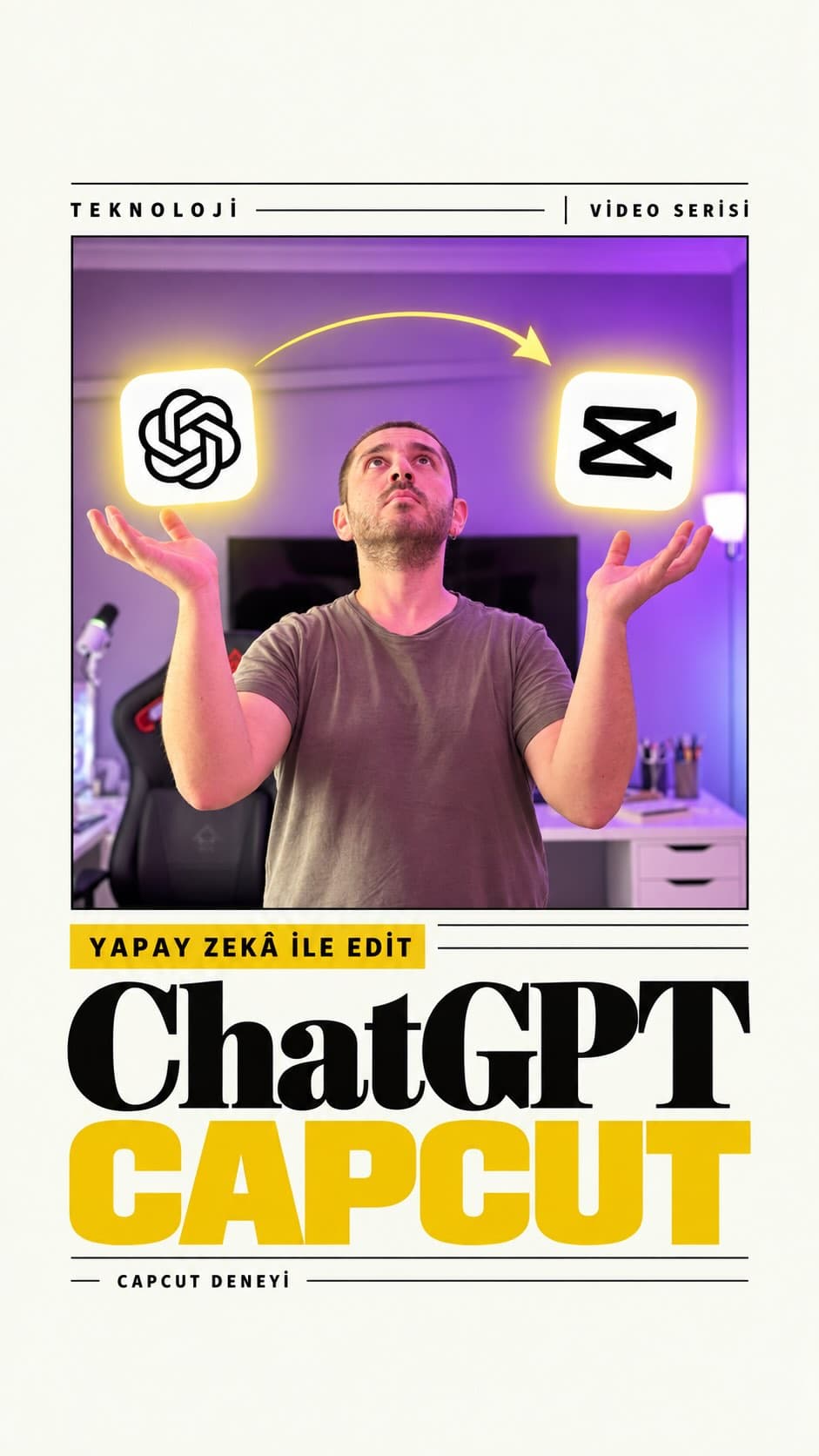
I had been trying various AI video-editing tools for a while — custom repos, plugins, purpose-built apps. Every single one had a gap somewhere. Then, while using ChatGPT for an unrelated desktop task, a thought struck me: if it can handle that, can it open and operate CapCut too?
So I tried it. The results split cleanly into two very different stories.
What I Gave ChatGPT
I set up two projects. The first was a batch of travel footage — 70 photos and 9 videos shot during a trip to Zafer Park after a Sunday brunch. Raw, unorganised, exactly the kind of material that takes forever to sort through manually. The second was an 11-minute talking-head video I had recorded earlier.
I told ChatGPT to pick a fitting background track and handle the rest. I chose the most capable available model and stepped back entirely.
How ChatGPT Used CapCut
This part was the most interesting to watch. I instructed ChatGPT; ChatGPT then directed CapCut's built-in AI Clipper feature. It was a nested automation chain, not a simple one-step command.
AI Clipper produced two draft edits. ChatGPT reviewed them and flagged several issues:
- Clip duration was set to 8 seconds, which it judged too short.
- Horizontal photos had empty bars on the sides.
- The overall cut needed to come down to 30 seconds and shift to a vertical format.
These are things I would have missed if I had just handed the footage to CapCut alone. ChatGPT then pushed the playback speed to 2.3×, adjusted transitions, and masked the top and bottom edges with a blur. Technically tidy — but the travel montage itself did not impress me. It was not noticeably better than what an iPhone produces automatically with its Memories feature. A more detailed prompt might have changed that.
The Real Win: Cutting 11 Minutes Down to 3
Where the experiment genuinely exceeded my expectations was the talking-head video.
My prompt was straightforward: remove silences, slightly speed up the speech, and produce a final cut under three minutes that preserves the meaning and flow of the original.
The result worked. The argument held together, the transitions made sense, and the video felt watchable from start to finish. It outperformed every other tool I had tested for this kind of task. Distilling a raw, unscripted recording into a coherent, concise version is a much harder job than assembling travel clips — and ChatGPT handled it well.
What This Actually Means
The bigger takeaway for me is not whether the edits looked polished. It is that ChatGPT can now open a desktop application, review what it produces, and loop back to make corrections. That is a meaningful step beyond suggesting tools or writing scripts — it is participating in the workflow.
That said, quality depends heavily on content type and how precisely you write the prompt. Structured, speech-driven material plays to its strengths. Loose, atmosphere-heavy visual montages are still a weak spot.
If you have tried an AI video-editing tool and been genuinely happy with the result, drop it in the comments — I would like to test it alongside what I have already used.