
- brag
- claude
- yapay-zeka
- video-uretimi
- acik-kaynak
- lansman-videosu
- hyperframes
Auto-Generate Your Project Launch Video with Brag and Claude
Brag is an open-source tool that reads your repo and produces a launch video via Claude and Hyperframes — first result ready in about 24 minutes.
Watch on Instagram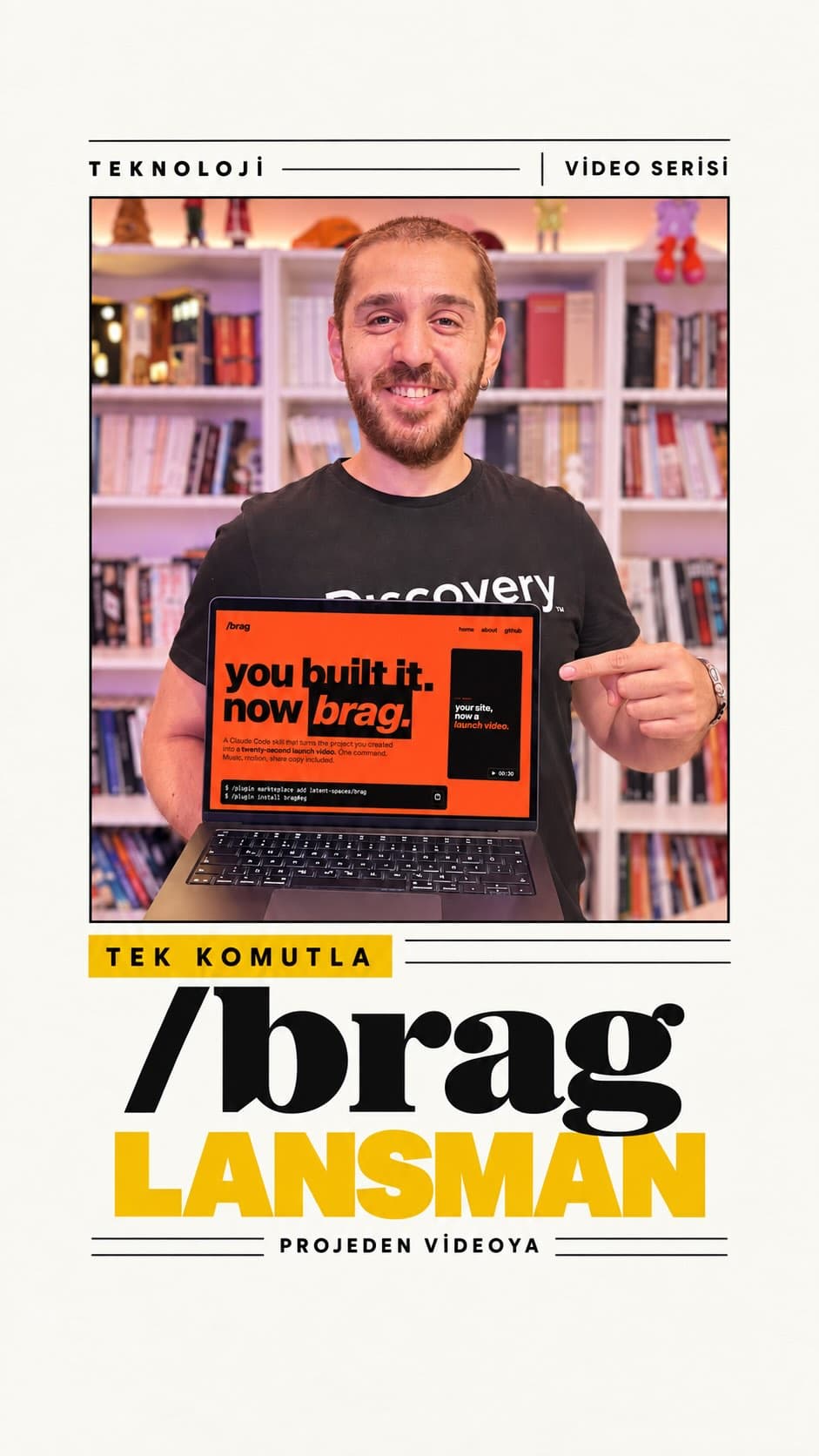
You finished the project. The code is written and deployed. But who is going to make the launch video? That is exactly where Brag comes in. This open-source tool reads your repository and automatically produces a promotional video without you writing a single line of prompt.
What Is Brag?
Brag is an open-source tool that is added to Claude as a skill. It analyzes your project's folder structure, workflow, and overall context, then generates a video brief and hands it off to Hyperframes for rendering. Inspired by the style of polished product launch videos, it delivers a reasonable result even with zero custom prompting.
Repo: github.com/latent-spaces/brag
How to Set It Up
- Install it as a Claude skill. Open any Claude window, paste the two-line command from the repository's Install section into your terminal, and run it. After the skill is loaded, close the terminal and reopen it.
- Navigate to your project directory. Start a new conversation and change into the folder that contains your project.
- Run the command. Type
/bragand press Enter. If you want to set a specific tone for the video, add the--toneflag followed by your preference, such as serious, fun, or exciting.
What Happens Under the Hood?
Once you run the command, Brag follows these steps:
- It reads the repo's structure and understands the workflow.
- It plans the scenes, durations, and vertical or horizontal composition, then writes everything into a Markdown brief file.
- It passes that brief to Hyperframes, which handles the actual video rendering.
The time this takes depends on the size and complexity of your project. For my own website project — a relatively simple one that takes Instagram videos and turns them into blog posts — the whole process took around 24 minutes.
What Does the Output Look Like?
The video produced with nothing but the bare /brag command is not perfect. But for a first cut that required zero manual prompting, it is genuinely good. Token consumption also stayed at a reasonable level based on what I observed.
For anyone who would rather not spend time on a launch video after already shipping a project, Brag is a solid starting point. Hand it your repo, go have lunch, and come back to a finished video.
A Note on Cost
Brag itself is open source and free. However, the subscription or API cost of whichever AI service you use — Claude or otherwise — is a separate expense to keep in mind.
If you have another tool or repo you prefer for generating launch videos, share it in the comments and let us try it out.